


Page 48 - GSTL_16th July 2020_Vol. 38_Part 3
P. 48
C14 GST LAW TIMES [ Vol. 38
VII. Standard Operating Procedure to join e-hearing on Jitsi meet
platform
(1) The parties will receive an invitation link for hearing from
the Registry to the given mobile number/e-mail id.
(2) The parties concerned may click on the link provided in the
mail, upon which a window will open. The parties will be
required to enter the password which will be provided by
separate mail one hour before the start of the meeting.
(3) The party then enters the ‘Jitsi Meet’ room. The party is
required to write his/her name with designation in the
profile box which will appear after clicking on the three
vertical dots found at the right side bottom corner and the
name of the Appellant or the Respondent, as the case may
be, and the Appeal/Application/Cross Objection number(s)
in the chat box at left bottom corner.
(4) After joining e-Hearing Room the Appellant, either in person
or represented by the Counsel/Authorized Representative
and the Respondent may wait for further instructions by the
Bench.
VIII. Pictorial Guidelines to join e-Hearing
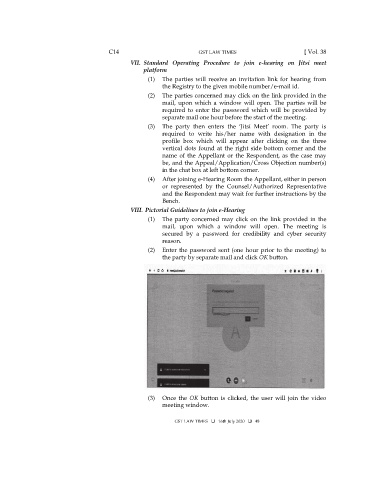
(1) The party concerned may click on the link provided in the
mail, upon which a window will open. The meeting is
secured by a password for credibility and cyber security
reason.
(2) Enter the password sent (one hour prior to the meeting) to
the party by separate mail and click OK button.
(3) Once the OK button is clicked, the user will join the video
meeting window.
GST LAW TIMES 16th July 2020 48

